

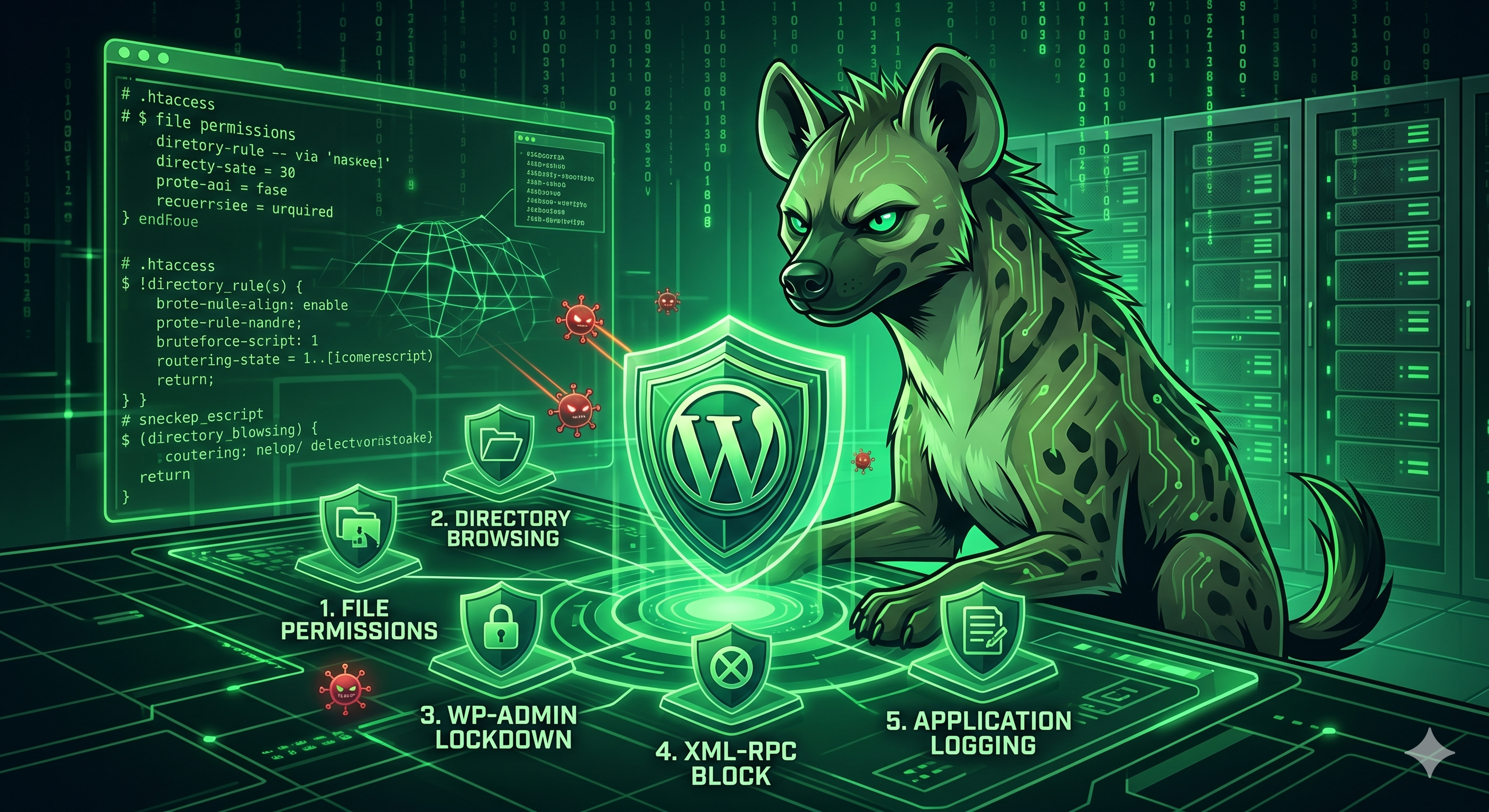
As the most popular Content Management System (CMS) on the web, WordPress is a massive target for automated attack scripts and botnets. While installing a basic security plugin is a good first step, true security requires defense-in-depth.
To properly defend your digital assets, you need to think like an attacker and secure the environment at the server level. Here are five actionable hardening tactics to lock down your WordPress site on a Linux shared hosting environment.
1. Enforce Strict File and Directory Permissions
The bedrock of Linux system security is proper file permissions. Incorrect permissions can allow malicious scripts to execute payloads or modify your core files.
On a shared Linux environment, you must ensure that your permissions are tightly restricted:
-
Directories:Set to
755(Owner can read/write/execute; Group/Public can read/execute). -
Files:Set to
644(Owner can read/write; Group/Public can read only). -
wp-config.php:This file contains your database credentials. Lock it down to
440or400so only the server can read it, preventing external access.
Pro-Tip: You can easily audit and fix these permissions using your cPanel or DirectAdmin file manager.
2. Neutralize Directory Browsing via.htaccess
If your web server cannot find anindex.phporindex.htmlfile in a directory, it may automatically display a list of all files within that folder. This is an information-gathering goldmine for attackers looking for vulnerable plugins or exposed backup files.
You can instantly neutralize this threat by adding a single line to your root.htaccessfile:
Options-IndexesThis simple configuration forces the server to return a 403 Forbidden error if someone attempts to browse your directories.
3. Lock Down thewp-adminPortal
Your/wp-admin/directory is the gateway to your website. Leaving it exposed to the open internet invites continuous brute-force attacks.
Add an extra layer of authentication before WordPress even loads. By setting up password protection (Basic Auth) on thewp-admindirectory via your hosting control panel, an attacker must bypass server-level credentials before they can even attempt to guess your WordPress password.
Alternatively, if you have a static IP address, you can restrict access entirely using.htaccessinside thewp-adminfolder:
Order Reddetmek,İzin vermek
Reddetmekfromall
İzin vermekfrom192.168.1.100# Replace with your actual IP address
4. Disable XML-RPC to Prevent Amplification Attacks
Thexmlrpc.phpfile in WordPress was originally designed to allow remote connections (like mobile apps) to interact with your site. Today, the REST API has largely replaced it, leaving XML-RPC as a legacy feature that attackers frequently exploit for DDoS amplification attacks and massive brute-force password guessing.
Unless you explicitly need it for a specific integration, block all requests to this file by adding the following to your root.htaccess:
5. Implement Application-Level Telemetry and Auditing
You cannot stop a threat you cannot see. Proactive security requires visibility into what is happening inside your WordPress environment.
Deploy an audit logging tool to capture critical behavioral telemetry:
-
Failed and successful login attempts.
-
Changes to core settings or permalinks.
-
File modifications or unexpected plugin installations.
Monitoring these logs allows you to spot reconnaissance activity or compromised accounts early, enabling you to block malicious IP ranges before significant damage occurs.
Secure by Design
Website security is an ongoing process of threat hunting and risk mitigation. By moving beyond basic plugins and implementing server-level hardening, you drastically reduce your attack surface.
AtWebHyena, our Linux shared hosting environments are engineered with security at the forefront, providing the robust, isolated infrastructure you need to deploy your projects safely.